Your institute's classroom, in your pocket.
eGuru puts every part of your course in one app — video lessons, PDF notes, quizzes, assignments, live classes and a certificate you can prove. Built for students, instructors and the office that runs it all.
- 6-digit
- PIN sign-in, no passwords to forget
- One-tap number verification
- Zero
- Ads and in-app purchases
Features
Everything a course needs, in one app
No juggling a video link here, a PDF there and marks on a WhatsApp group. It all lives in eGuru.
Video lessons that stream, not stall
Every module's lectures are delivered as adaptive HLS video, so they start fast and hold up on patchy mobile data. Pick up exactly where you stopped.
PDF notes inside the app
Study material opens in a built-in reader and is streamed page by page — nothing to download, nothing to lose track of in your files.
Courses that are actually structured
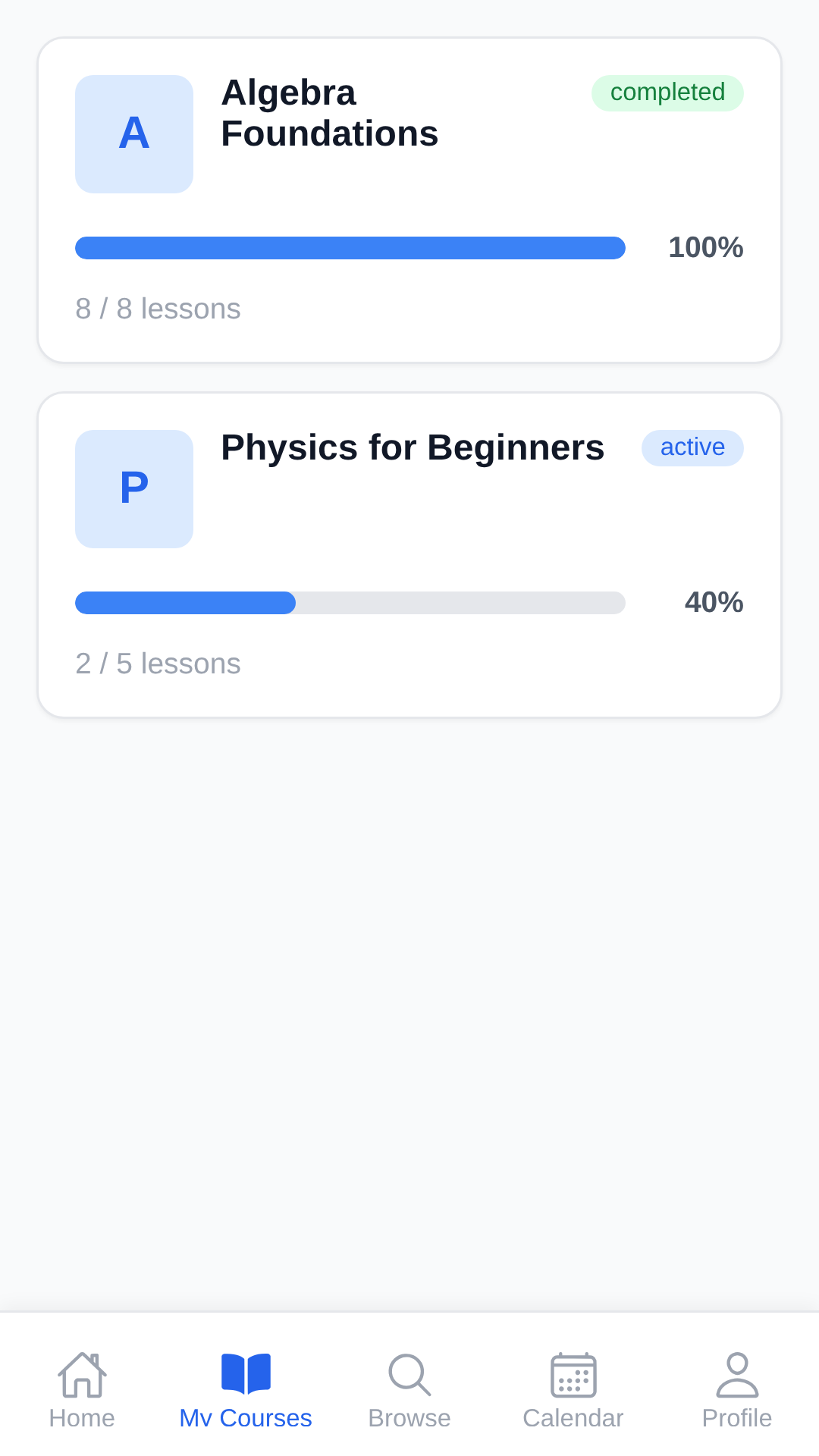
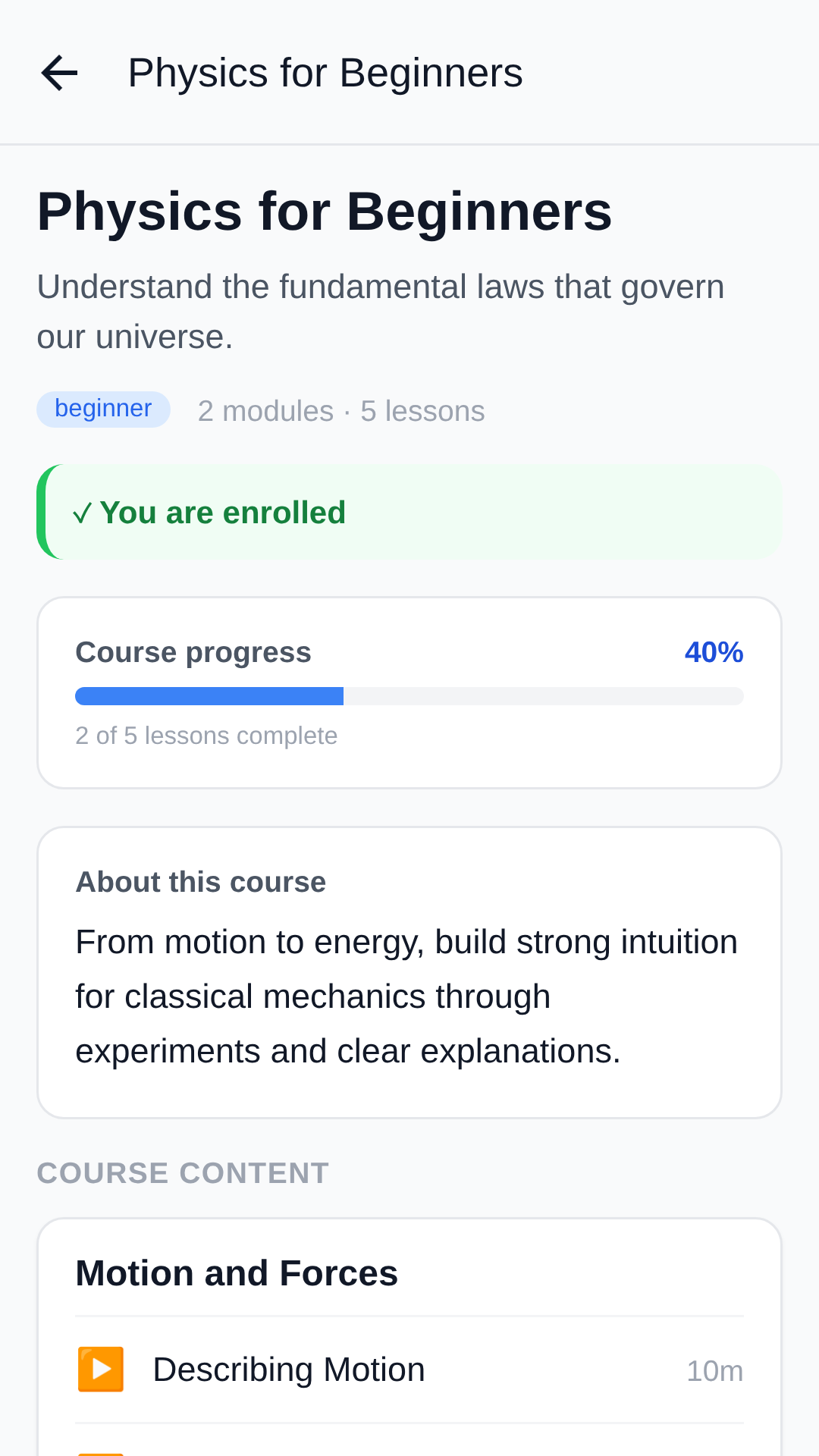
Courses break into modules, modules into lessons. A completion rule per course tells you precisely what counts as finished.
Timed quizzes with instant results
Questions can be randomised per attempt. Get interrupted and your attempt resumes where it was. Scores and answer review appear the moment you submit.
Assignments from your camera roll
Read the brief and reference material, then submit files or photos straight from your phone. Grades and written instructor feedback come back in the app.
Live classes, joined in one tap
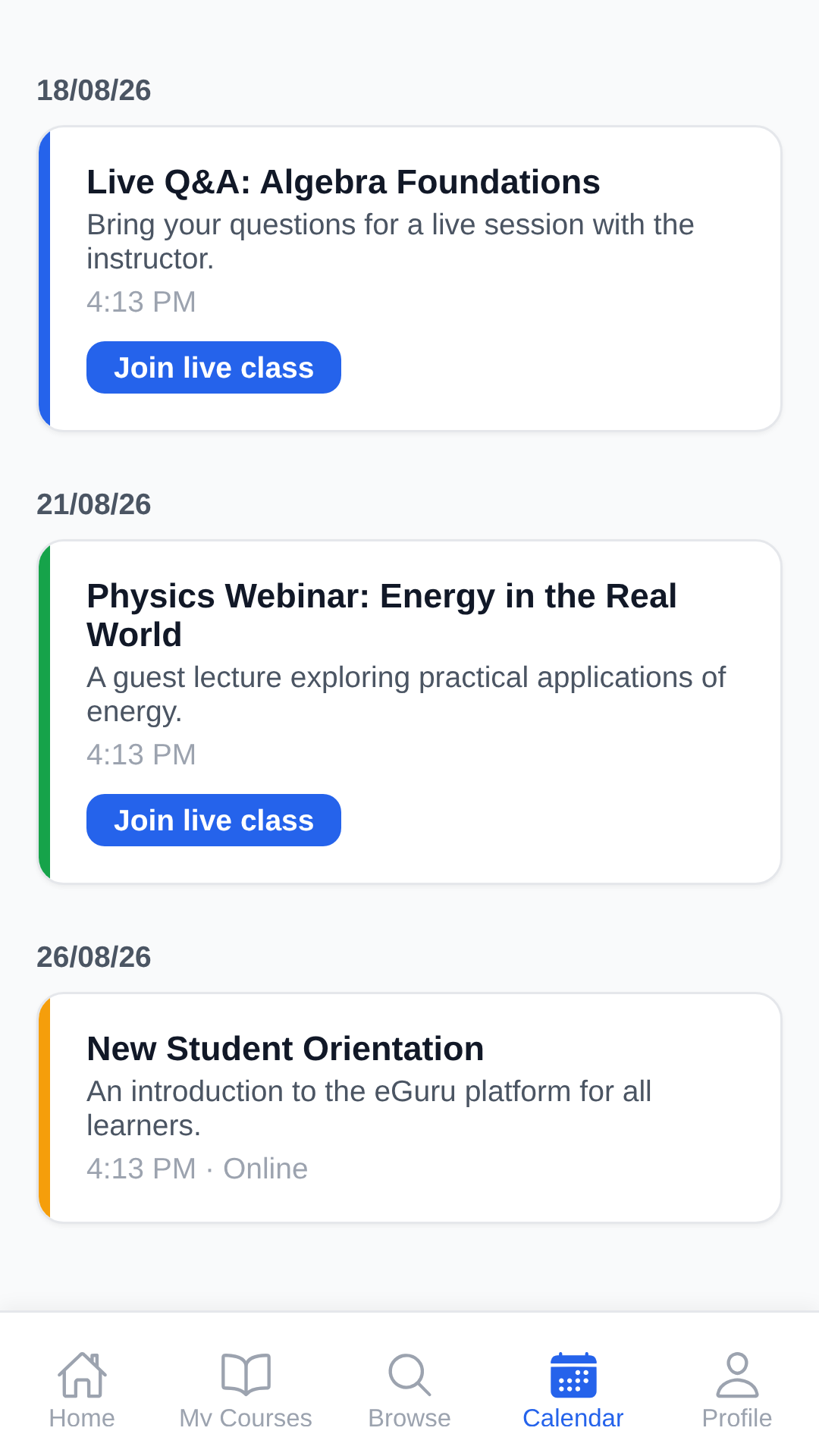
Scheduled sessions appear in your calendar with a join button, attendance is recorded automatically, and the recording is posted back to the course afterwards.
Certificates anyone can verify
Finish a course and the certificate is issued automatically, carrying a public SHA-256 verification link an employer or college can check independently.
Progress you can see
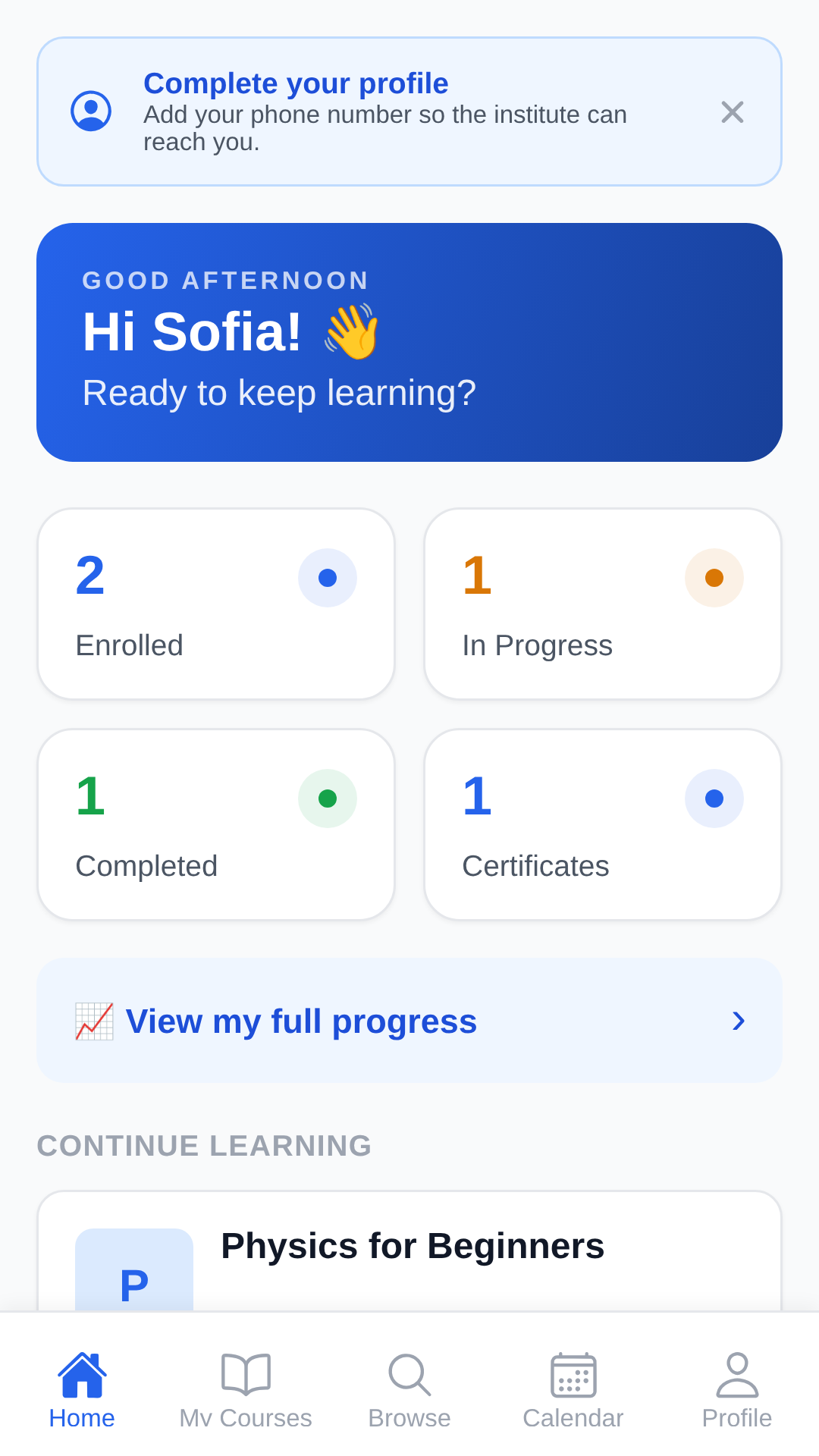
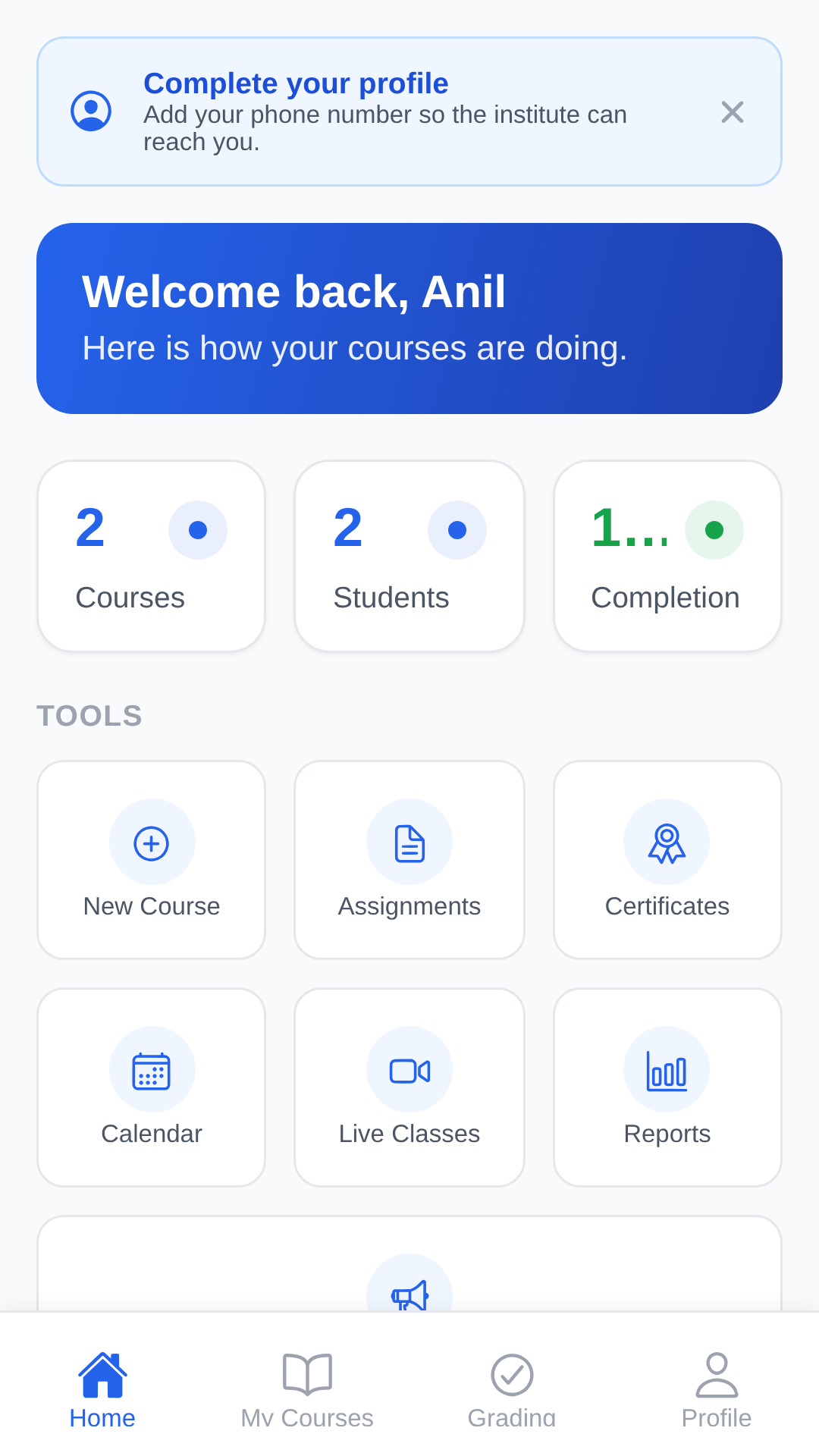
A live checklist shows what's done and what's left, per lesson and per course, alongside your enrolled, in-progress and completed counts.
One calendar for everything
Live classes, assignment deadlines and course events land in a single view, so nothing arrives as a surprise.
Announcements that reach you
Instructors post to a course or the whole institute; notices arrive in-app and by email, with an unread badge until you've seen them.
Browse and request enrollment
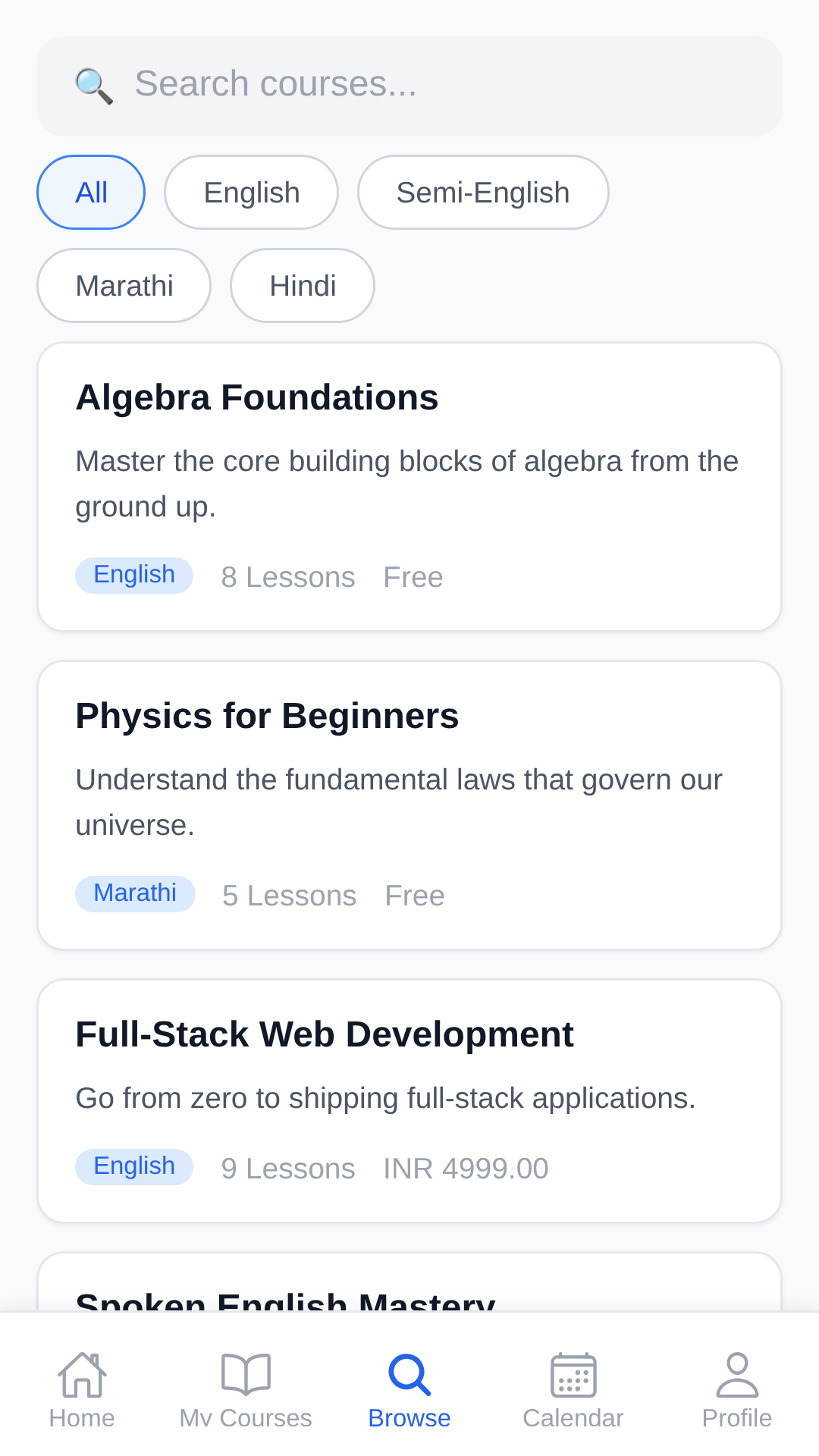
A public catalogue lists what the institute offers, with free preview lessons on selected courses. Request a place and start as soon as it's confirmed.
Fees settled with your institute
Paid courses are handled offline: upload your UPI payment proof, staff verify it, and coupons are applied by the institute. There is no in-app purchase.
Who it's for
Three roles, one app
Students, instructors and administrators each sign in to a different side of eGuru — with only the tools that role needs.
For students
Everything for your course, on the phone you already carry.
- Watch lessons and read notes without ever leaving the app
- Take quizzes, submit assignments, read your feedback
- Track progress and collect verifiable certificates
- See classes, deadlines and announcements in one place
- Full dark mode, and sign in with just a phone number and PIN
For instructors
Build the course once, then teach and grade from anywhere.
- Block-based lesson editor: video, PDF, rich text and more
- Create quizzes and assignments with your own passing rules
- Grade submissions and leave personal feedback
- Schedule live classes and publish the recordings
- Watch per-course analytics and post announcements
For administrators
Run the whole institute without leaving the app.
- Manage users, roles, enrollments and the payment queue
- A media library with a video transcoding pipeline
- Reports and analytics across courses, students and revenue
- Institution branding, security and catalogue settings
- A complete audit log of every administrative action
Screens
A look inside
Real screens from the app. Swipe to browse.
How it works
Signed in and learning in a minute
No passwords, no forms to print, no waiting on an email that lands in spam.
- 1
Install and register
Get eGuru from Google Play, enter your name, email and mobile number, and choose a 6-digit PIN.
- 2
Verify on WhatsApp
A one-time code arrives on WhatsApp. Enter it and you're signed straight in — no password to remember, and no email to dig through.
- 3
Enroll and start learning
Browse the catalogue, request a place, and begin as soon as the institute confirms it. Your progress is saved as you go, so it is waiting for you next time you sign in.
Security & privacy
Built to protect students and study material
No passwords at all
Sign-in is a 6-digit PIN, stored only as a salted hash. Forgot it? A one-time WhatsApp code to your registered number lets you set a new one.
Study material stays in the app
Video and PDF screens are protected against screen capture, and media is served through short-lived signed URLs rather than public links.
Your institute, its own island
Each institute runs an isolated deployment — its own database, its own storage. Student data is never pooled across schools.
Every admin action is logged
Role-based permissions gate what each account can reach, and administrative changes are written to an immutable audit log.
Read the full privacy policy for exactly what is collected and why.
FAQ
Questions, answered
Who can use eGuru?
eGuru accounts are for students and staff of the institute that runs it. Anyone can install the app and browse the public catalogue, but lessons open once your enrollment is confirmed.
How do I sign in?
With your mobile number (or email) and your 6-digit PIN. When you first register, we send a one-time code on WhatsApp to confirm the number belongs to you.
I forgot my PIN. What now?
Tap “Forgot PIN?” on the sign-in screen. We send a fresh code to your registered WhatsApp number, and you set a new PIN straight away. If your number has changed, contact the institute and staff can set a PIN for you.
Do I pay inside the app?
No. eGuru has no in-app purchases. Course fees are settled with your institute directly — you upload proof of a UPI payment and staff confirm it, or they enroll you manually.
Why do lesson screens go black when I screenshot?
That's deliberate. Video and PDF study material is protected against screen capture and recording to safeguard the institute's content. Every other screen captures normally.
Is there an iPhone or web version?
The app is built from one codebase for Android, iOS and the browser. Android is on Google Play today; ask your institute which other options it has enabled.
Does it work in dark mode?
Yes — the entire app follows your device's light or dark appearance, and you can override it in Profile.
How do I delete my account?
From Profile → Delete Account in the app, or by emailing us. Full details, including what is kept and what is removed, are on the account deletion page linked below.

Start learning with eGuru today
Free to install. Ask your institute for your enrollment, and every lesson, quiz and certificate follows you from there.